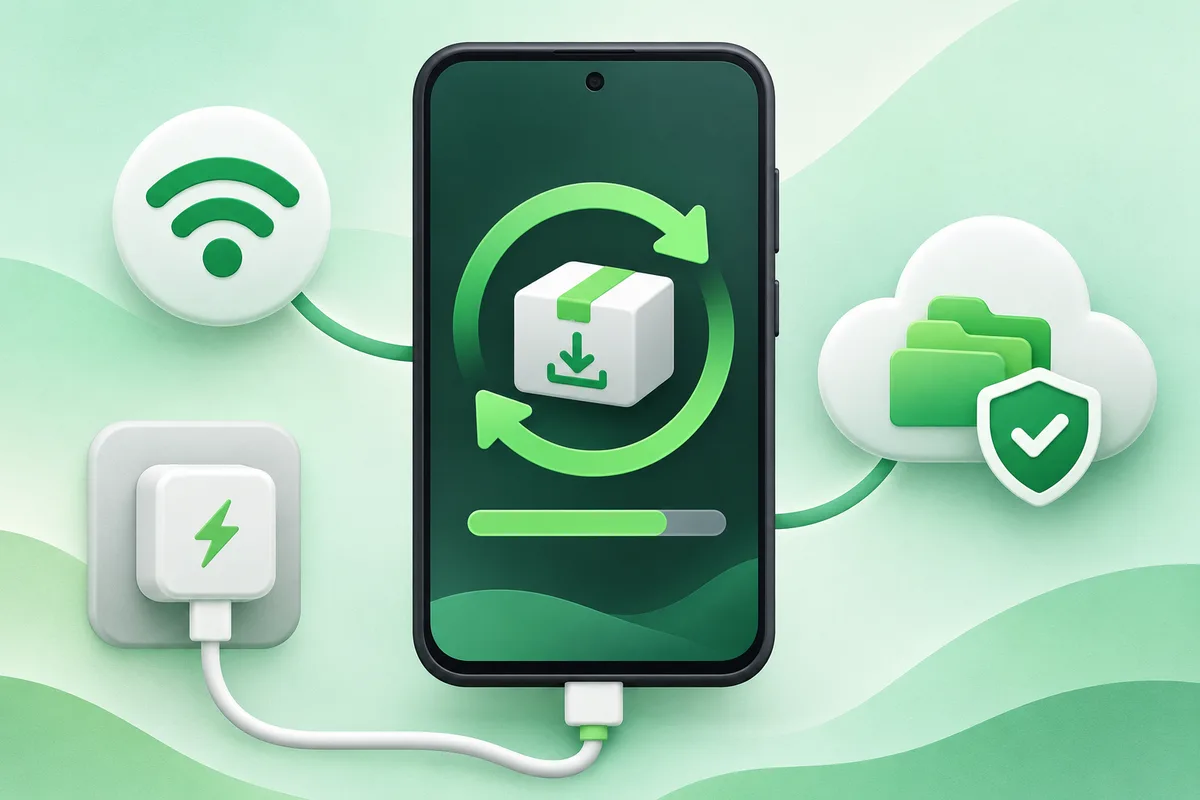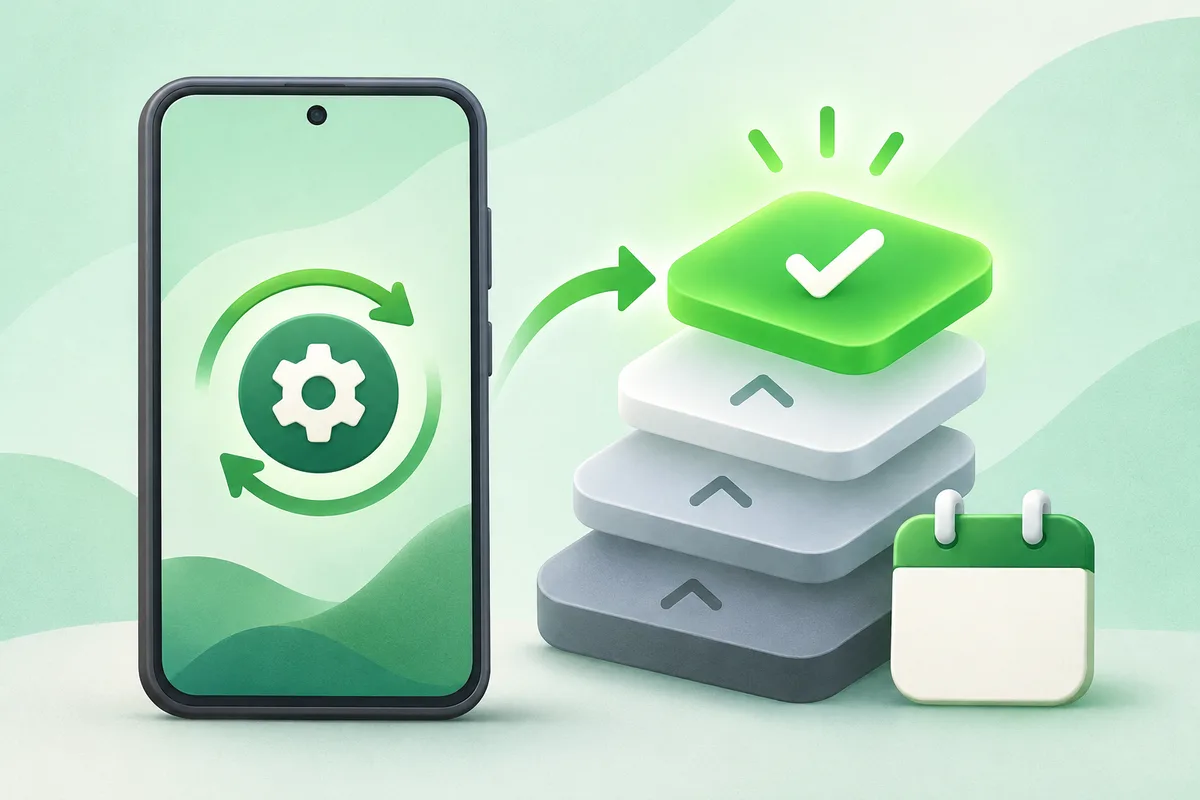
A major Android update changes the platform release, while monthly security and Google Play system updates fix components between major releases.
Steps
- Open About phone, Android version
- Note the Android version, security patch and Play system date
- Check each update channel separately
- Prioritize supported security updates even without a major-version change
Check the result
Test the change before moving on. Android menu names vary across Google
Pixel, Samsung Galaxy, Motorola, OnePlus and other phones, and a carrier or
work profile can also restrict a setting. Use Settings search when a label is
different and check the support page for the exact model before erasing data,
resetting connections or changing an account.
Privacy and safety
Read every confirmation screen, keep a current backup and grant only the
permissions the task requires. Stop if the phone becomes unusually hot, shows
physical battery damage or asks for a password or payment on an unexpected
site.
Official reference
Android Help: check and update Android is the
baseline reference; the phone maker and carrier may document additional steps.
More from Phones & Updates
Open the complete Phones & Updates hub,
or continue with a related walkthrough: