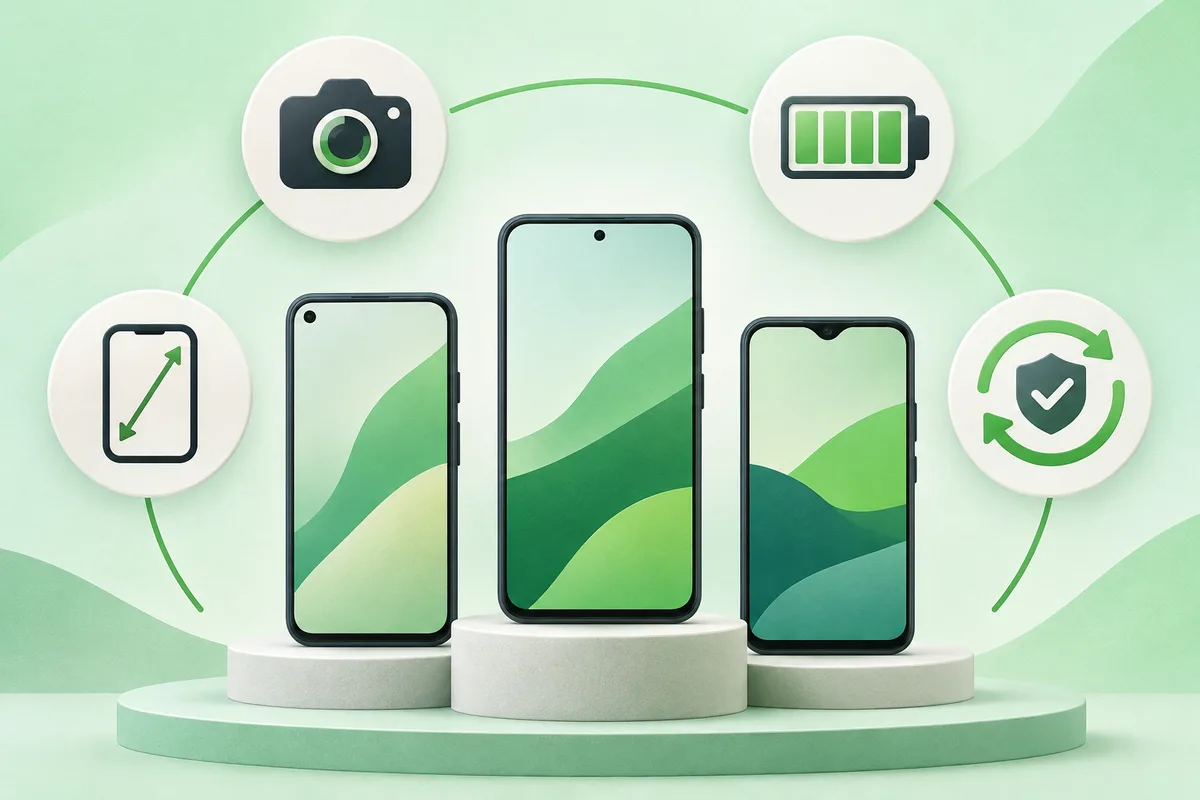
The best Android phone is the one that meets your camera, battery, size and support needs at a sensible total price. Start with the update policy and bands for your carrier, then compare features.
Quick answer: Set a budget that includes storage, a case, charger and any insurance.
Steps: Choose the Best Android Phone for You
- Set a budget that includes storage, a case, charger and any insurance.
- Check network bands, eSIM support and carrier certification.
- Compare the promised years of operating-system and security updates.
- Choose a comfortable size and test camera speed, screen brightness and fingerprint unlock.
- Read repairability and battery-replacement terms before buying.
Before you finish
- A previous-generation flagship can be better value than a new budget model.
- More megapixels do not guarantee better photos.
- Avoid a fixed yearly winner page unless prices and availability are actively maintained.
If the menu is different
Use the search box at the top of Settings and search for the key control in
this guide. Pixel uses Google's labels; Samsung, Motorola, OnePlus and other
manufacturers may move the same control or rename one level of the menu. Check
the support page for your exact model before using a reset or erase command.
Keep going in this Android hub
See the complete guide for this topic,
or continue with one of these closely related Android walkthroughs: