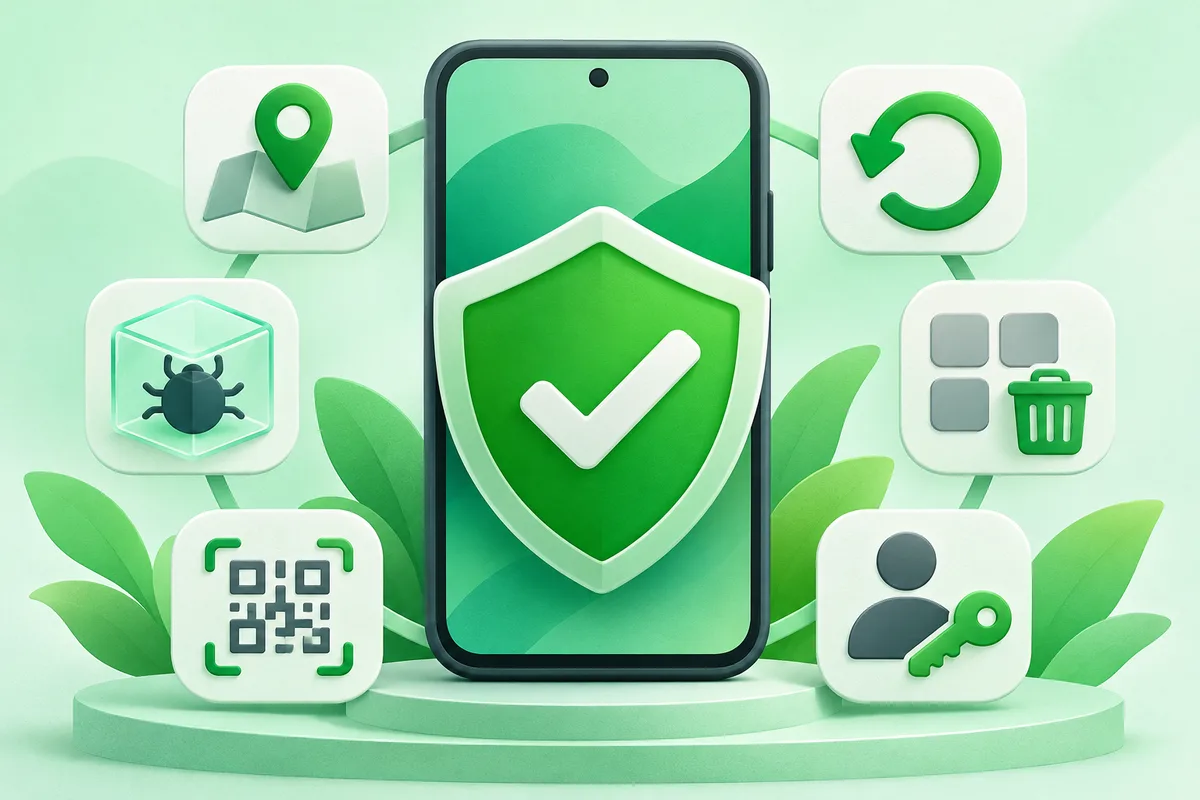
Find a lost Android phone, remove unsafe apps, reset safely and recover control of your device. This hub starts with the safest path and links to
six focused guides, so you can solve one Android task without wading through an
unrelated device review.
Start here
- How to Find a Lost Android Phone
Use Google's Find Hub from another signed-in device or a web browser to locate, ring, secure or erase the phone. Prepare it before a loss by enabling location, a screen lock and offline finding.
- How to Factory Reset an Android Phone Safely
Back up and verify your data, remove accounts when transferring ownership, then use the reset option in Settings. A factory reset erases local user data and cannot be undone from the phone.
- How to Remove Malware From Android
Start by uninstalling unfamiliar apps, running Google Play Protect, reviewing powerful permissions and installing system updates. Avoid cleaner apps that make alarming claims without identifying a specific problem.
- How to Uninstall Apps on Android
Uninstall downloaded apps from the launcher, Settings or Google Play. Built-in system apps may only allow Disable, which stops them and hides their updates without removing the base package.
- How to Scan a QR Code on Android
Point the Camera app at the code and wait for a link banner. If that does not work, use Google Lens from the camera or Photos app.
- How to Add Another Gmail Account on Android
Add another Google Account from Gmail or Android Settings, then choose which account is active from the profile switcher. Each account keeps its own inbox and sync settings.
Why Android instructions vary
Android is a platform used by many manufacturers. Google Pixel menu names
are the baseline in these guides, while Samsung One UI and other interfaces may
rename or move a control. Use Settings search, check your Android version and
verify destructive steps against the support page for your exact model.