Android Auto, tablets, TVs, earbuds, messaging and services that connect to your Android phone. This hub starts with the safest path and links to
six focused guides, so you can solve one Android task without wading through an
unrelated device review.
Start here
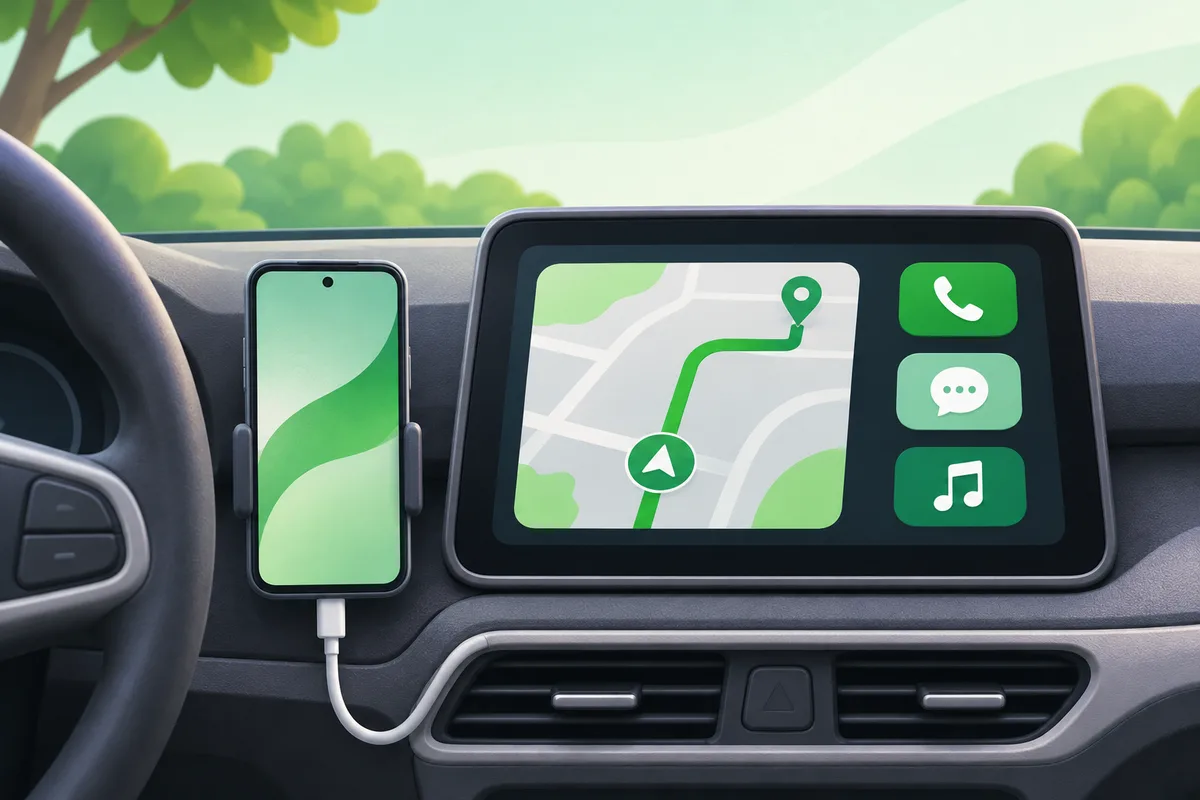
- What Is Android Auto and How Does It Work?
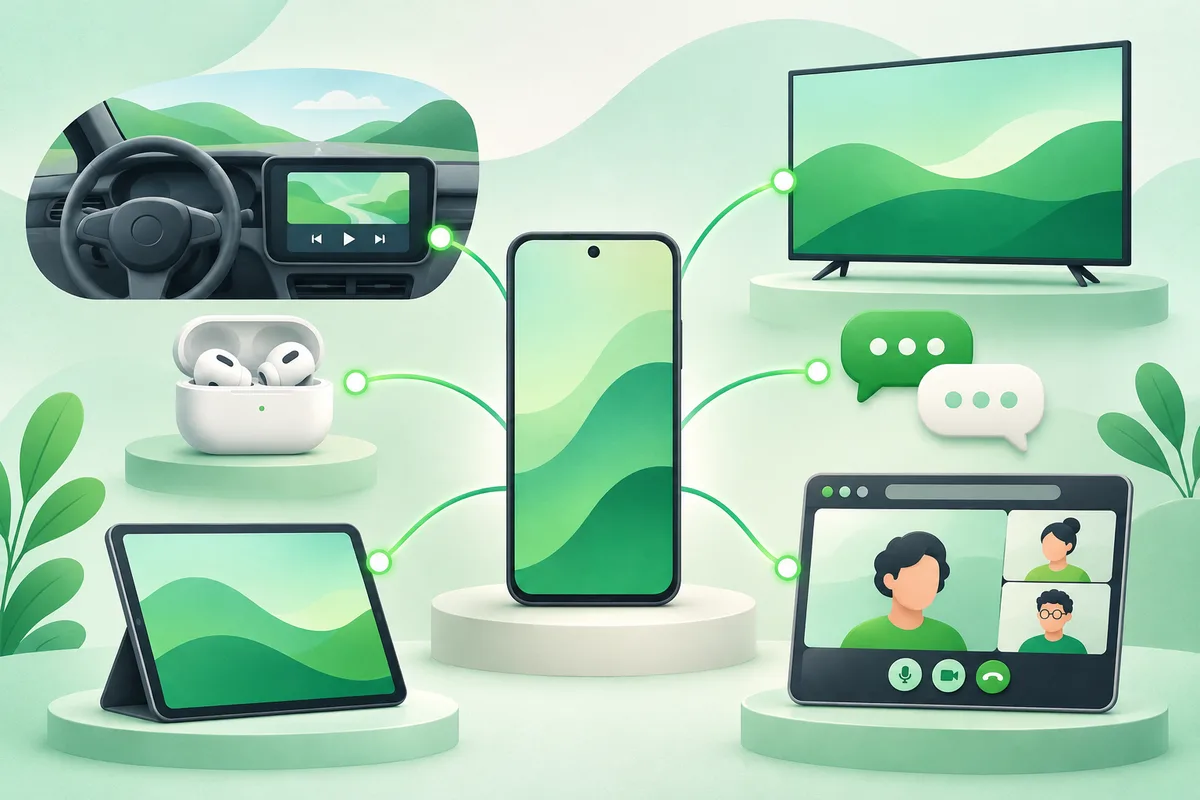
Android Auto projects a driving-focused interface from a compatible Android phone onto a compatible car display. It supports navigation, calls, messages and audio through touch, steering-wheel controls and voice.
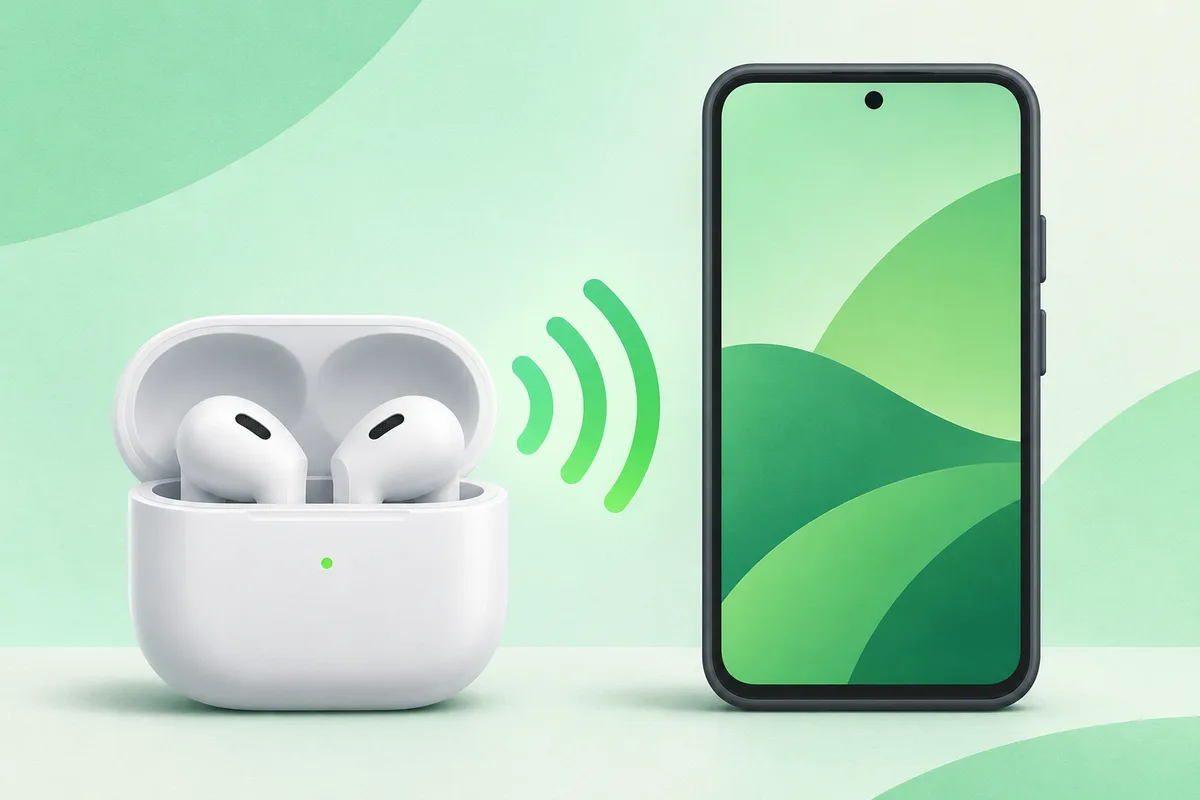
- How to Pair AirPods With Android
AirPods connect to Android as standard Bluetooth earbuds. Audio and microphone functions work, but some Apple features such as automatic device switching and native battery pop-ups may not.
- Android Tablet Buying Guide
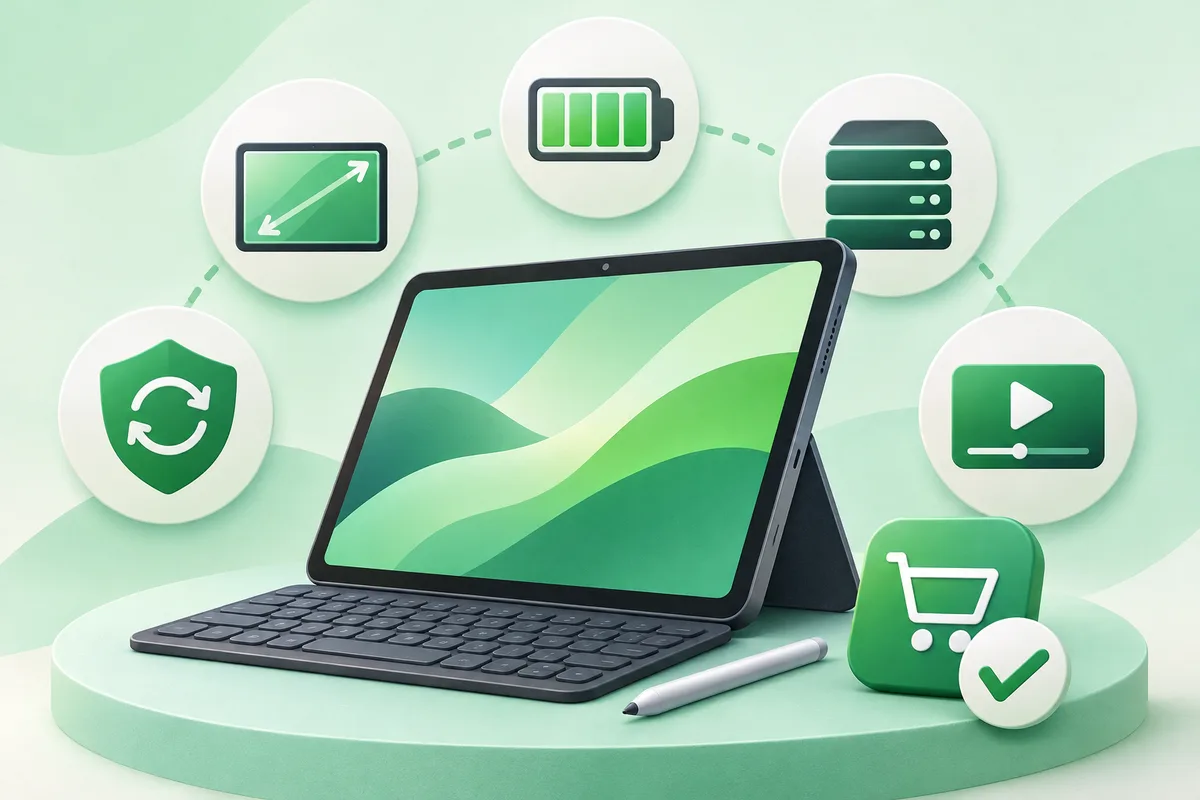
Choose an Android tablet around screen size, update support, app needs and accessories. A cheap large screen is not a bargain if it lacks Widevine support, a usable keyboard or security updates.
- Android TV vs Google TV: What Is the Difference?
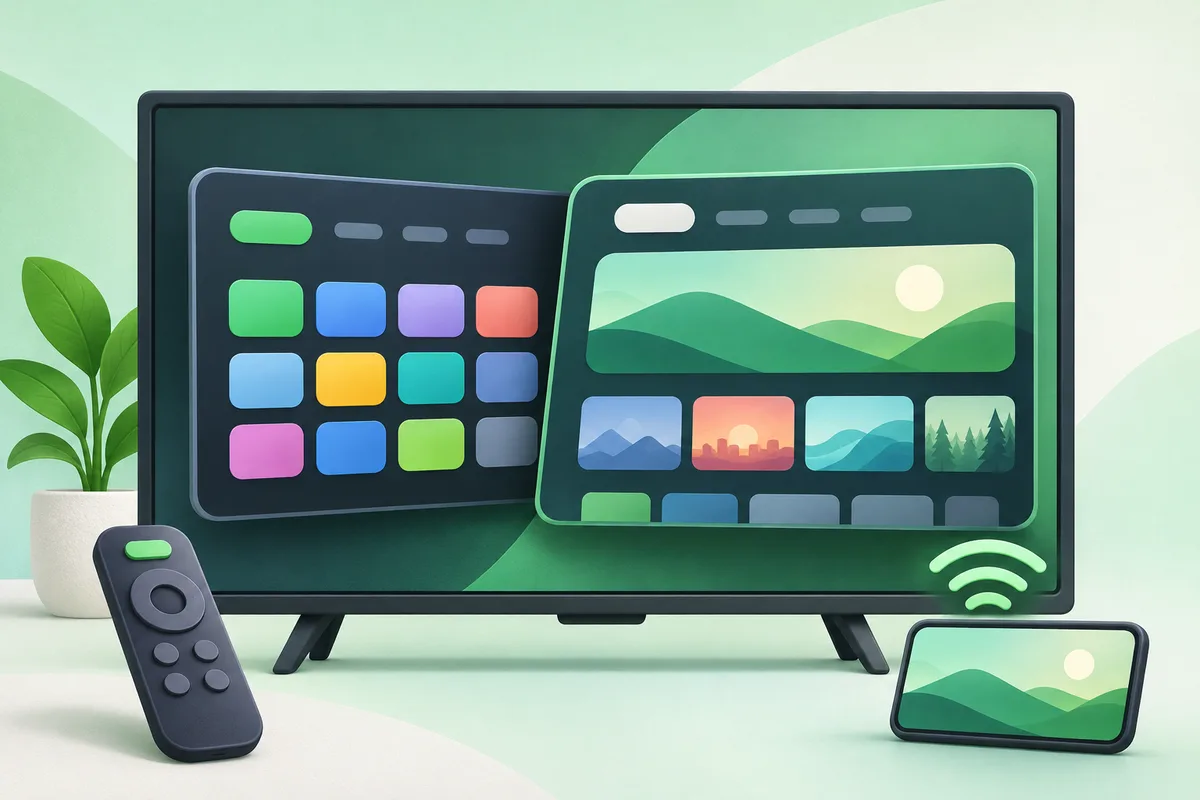
Google TV is a content-focused interface built on Android TV OS; Android TV is the underlying television platform and also the name used by older interfaces. App compatibility overlaps, but menus and recommendations differ.
- Google Messages and RCS on Android
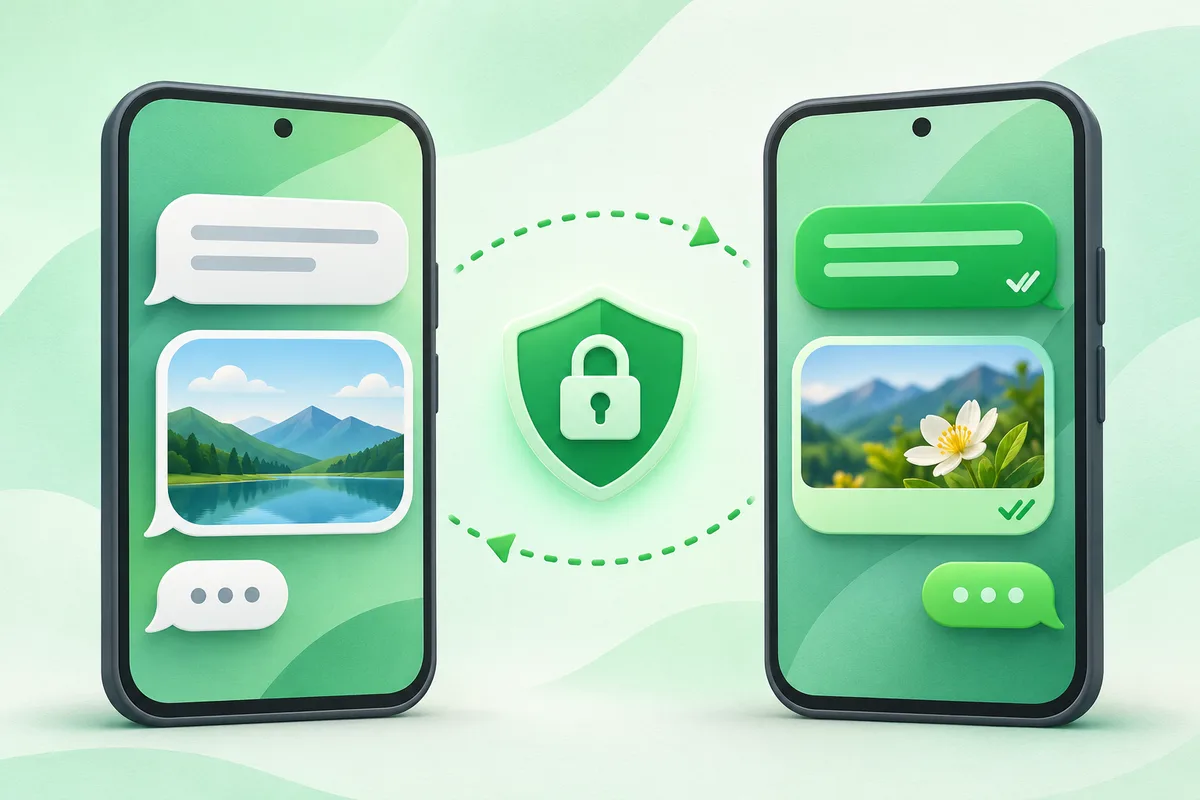
Google Messages can use RCS chats for richer conversations when the sender, recipient and mobile service support it, while falling back to SMS or MMS when needed.
- Can You Use FaceTime on Android?
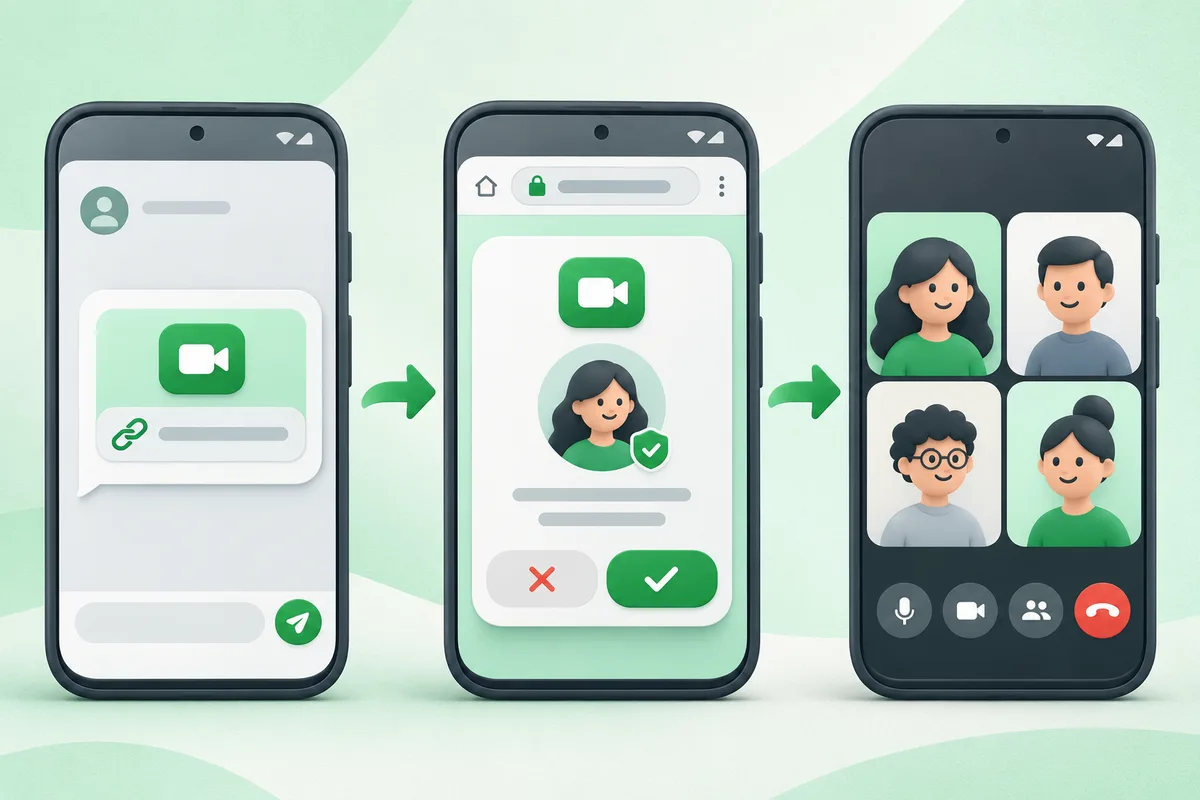
Android does not have a native FaceTime app. An Apple user can create a FaceTime link, and an Android user can join that specific call in a supported web browser after the host admits them.
Why Android instructions vary
Android is a platform used by many manufacturers. Google Pixel menu names
are the baseline in these guides, while Samsung One UI and other interfaces may
rename or move a control. Use Settings search, check your Android version and
verify destructive steps against the support page for your exact model.