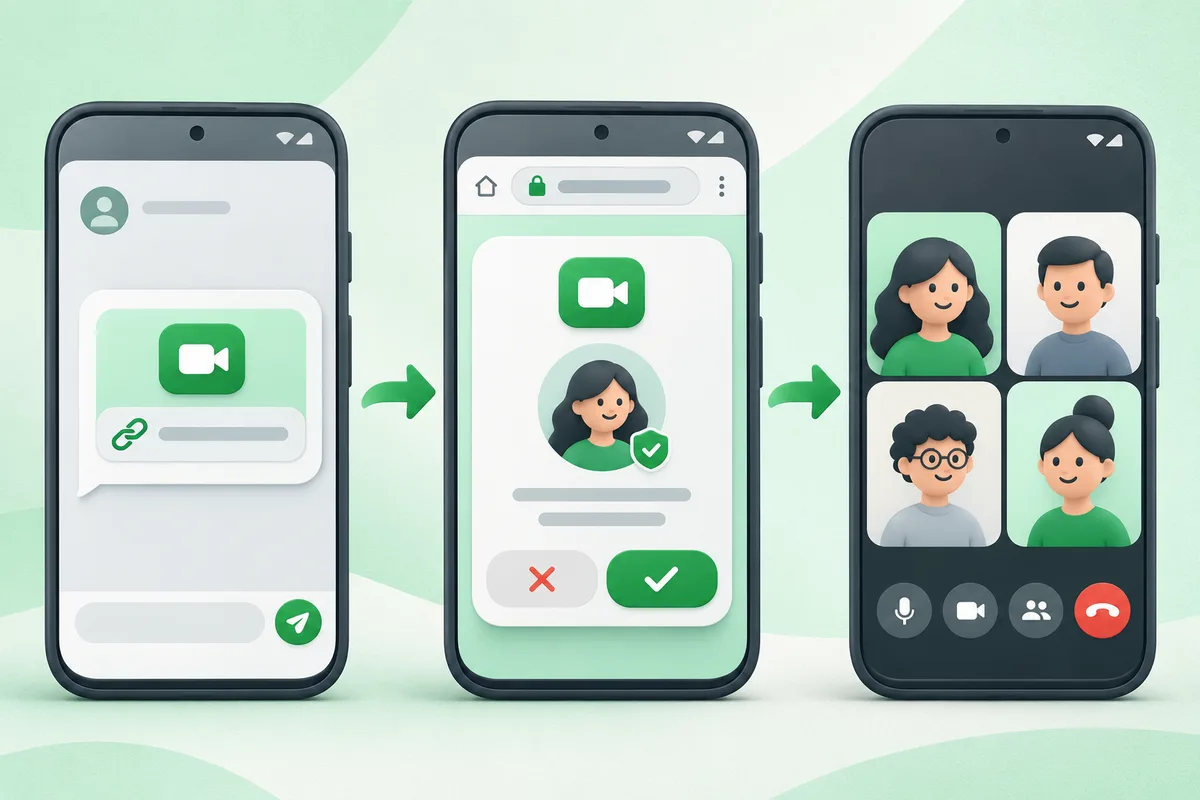
Android does not have a native FaceTime app. An Apple user can create a FaceTime link, and an Android user can join that specific call in a supported web browser after the host admits them.
Quick answer: Ask the iPhone, iPad or Mac user to create and share a FaceTime link.
Can You Use FaceTime on Android?
- Ask the iPhone, iPad or Mac user to create and share a FaceTime link.
- Open the link in a current supported browser on Android.
- Enter the name you want shown and allow camera or microphone access.
- Tap Join and wait for the Apple user to admit you.
- Close the tab and remove site permissions afterward if the device is shared.
Before you finish
- You cannot start a normal FaceTime call from Android without an Apple-created link.
- Ignore Play Store apps that claim to be an official Android FaceTime client.
- Google Meet, WhatsApp and other cross-platform services may be simpler for recurring calls.
If the menu is different
Use the search box at the top of Settings and search for the key control in
this guide. Pixel uses Google's labels; Samsung, Motorola, OnePlus and other
manufacturers may move the same control or rename one level of the menu. Check
the support page for your exact model before using a reset or erase command.
Official reference
Apple Support: join a FaceTime call from Android. Menu names can differ by phone maker.
Keep going in this Android hub
See the complete guide for this topic,
or continue with one of these closely related Android walkthroughs: