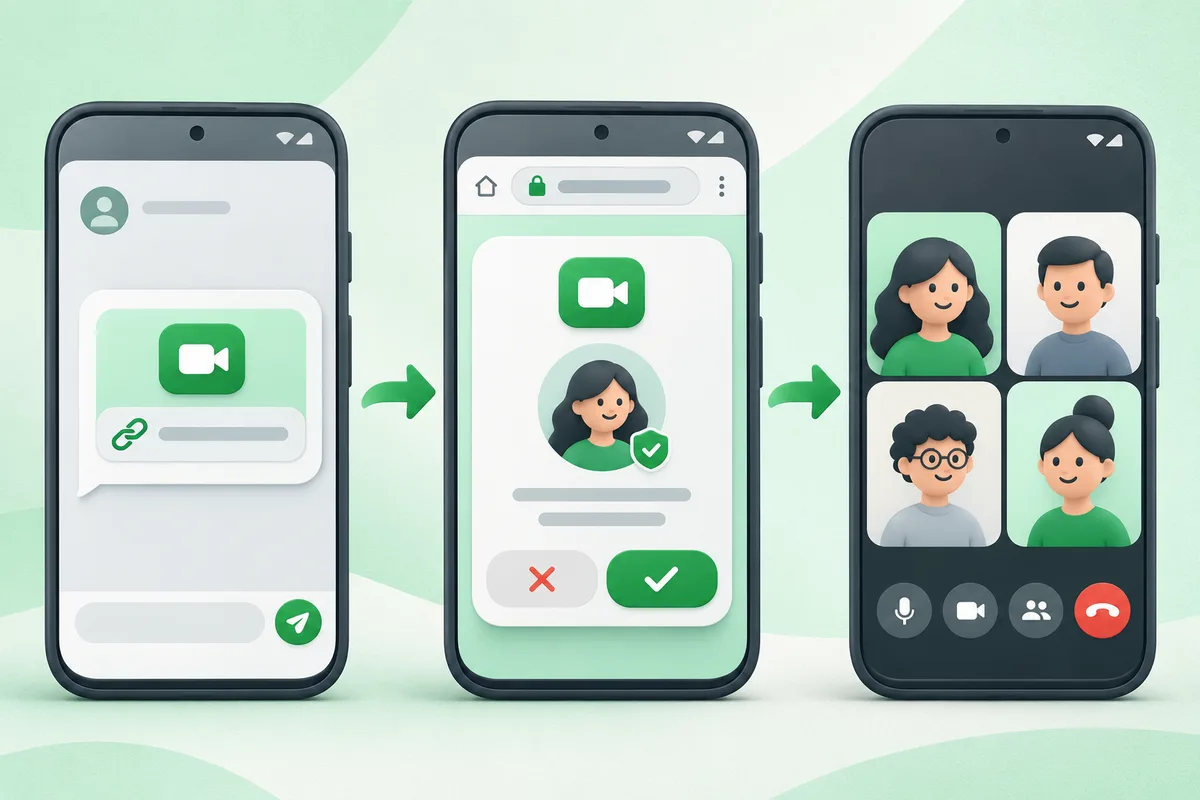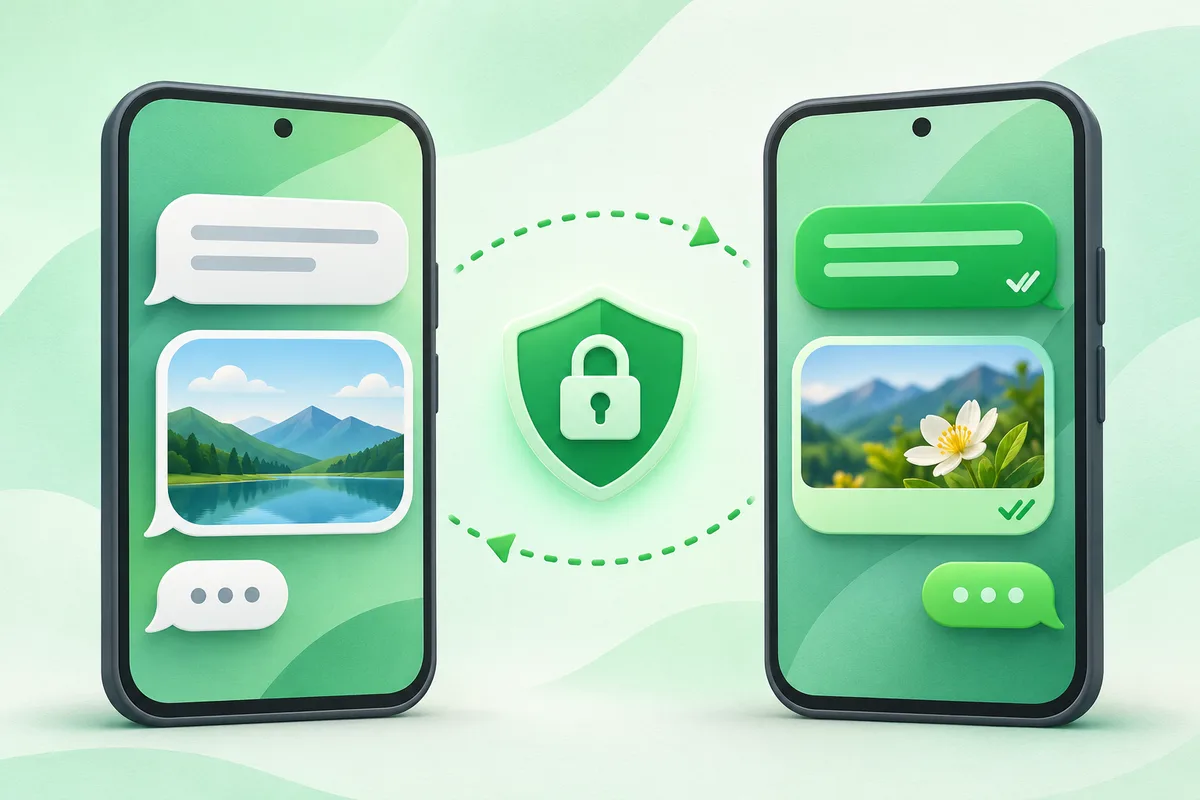
Google Messages can use RCS chats for richer conversations when the sender, recipient and mobile service support it, while falling back to SMS or MMS when needed.
Quick answer: Open Google Messages and make it the default SMS app if you want to use it.
Google Messages and RCS on Android
- Open Google Messages and make it the default SMS app if you want to use it.
- Tap the profile picture, Messages settings, then RCS chats.
- Confirm that the status shows connected and choose read-receipt preferences.
- Check the compose box to see whether a message will send as RCS or SMS.
- Before changing phones, verify the number again if RCS activation becomes stuck.
Before you finish
- RCS may use mobile data or Wi-Fi; SMS and MMS follow the carrier plan.
- Encryption indicators apply only where the conversation explicitly shows them.
- Emergency communication should not depend on a single messaging app.
If the menu is different
Use the search box at the top of Settings and search for the key control in
this guide. Pixel uses Google's labels; Samsung, Motorola, OnePlus and other
manufacturers may move the same control or rename one level of the menu. Check
the support page for your exact model before using a reset or erase command.
Official reference
Google Messages Help. Menu names can differ by phone maker.
Keep going in this Android hub
See the complete guide for this topic,
or continue with one of these closely related Android walkthroughs: