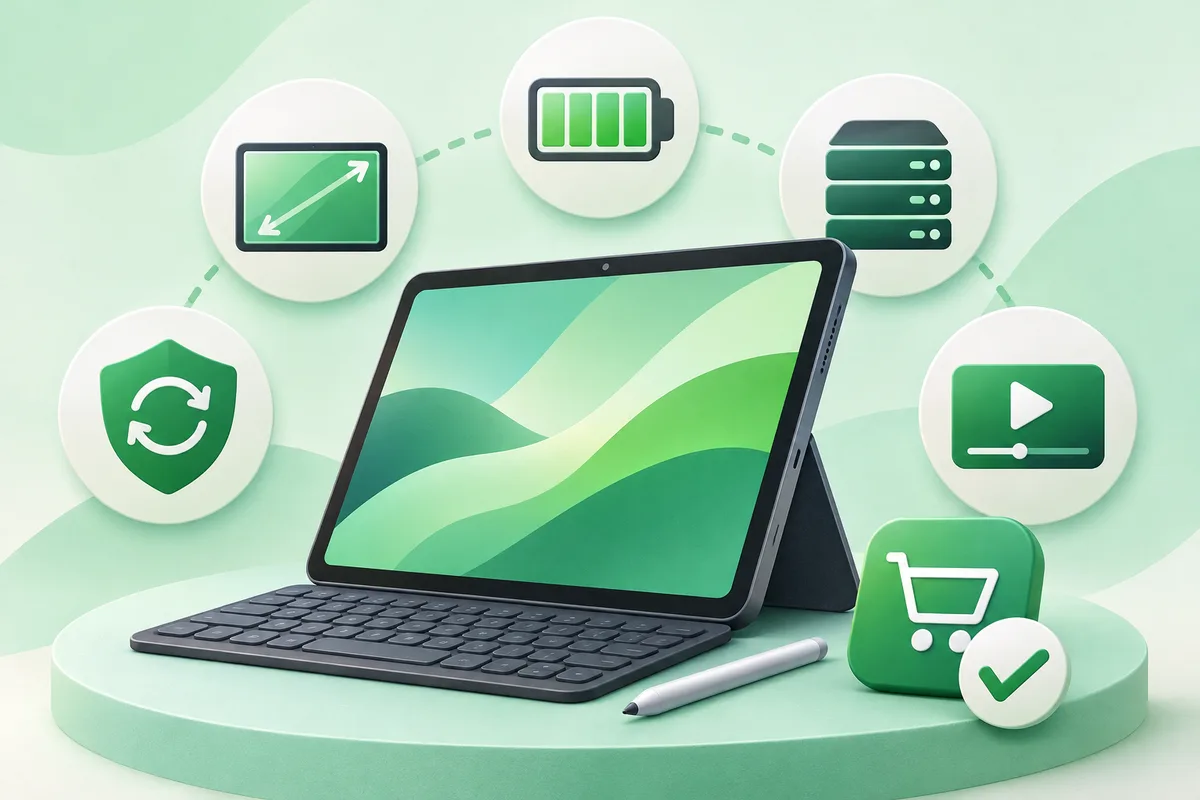
Choose an Android tablet around screen size, update support, app needs and accessories. A cheap large screen is not a bargain if it lacks Widevine support, a usable keyboard or security updates.
Quick answer: Decide whether the tablet is mainly for video, reading, drawing, work or children.
Android Tablet Buying Guide
- Decide whether the tablet is mainly for video, reading, drawing, work or children.
- Check the manufacturer's update promise and current Android version.
- Confirm storage expansion, cellular connectivity and display certification if needed.
- Price the official pen, keyboard and charger rather than assuming they are included.
- Test split-screen and desktop-style modes for work use.
Before you finish
- Some phone apps still scale poorly on large screens.
- Child profiles and parental controls vary by brand.
- A Chromebook may suit keyboard-heavy work better at the same price.
If the menu is different
Use the search box at the top of Settings and search for the key control in
this guide. Pixel uses Google's labels; Samsung, Motorola, OnePlus and other
manufacturers may move the same control or rename one level of the menu. Check
the support page for your exact model before using a reset or erase command.
Keep going in this Android hub
See the complete guide for this topic,
or continue with one of these closely related Android walkthroughs: