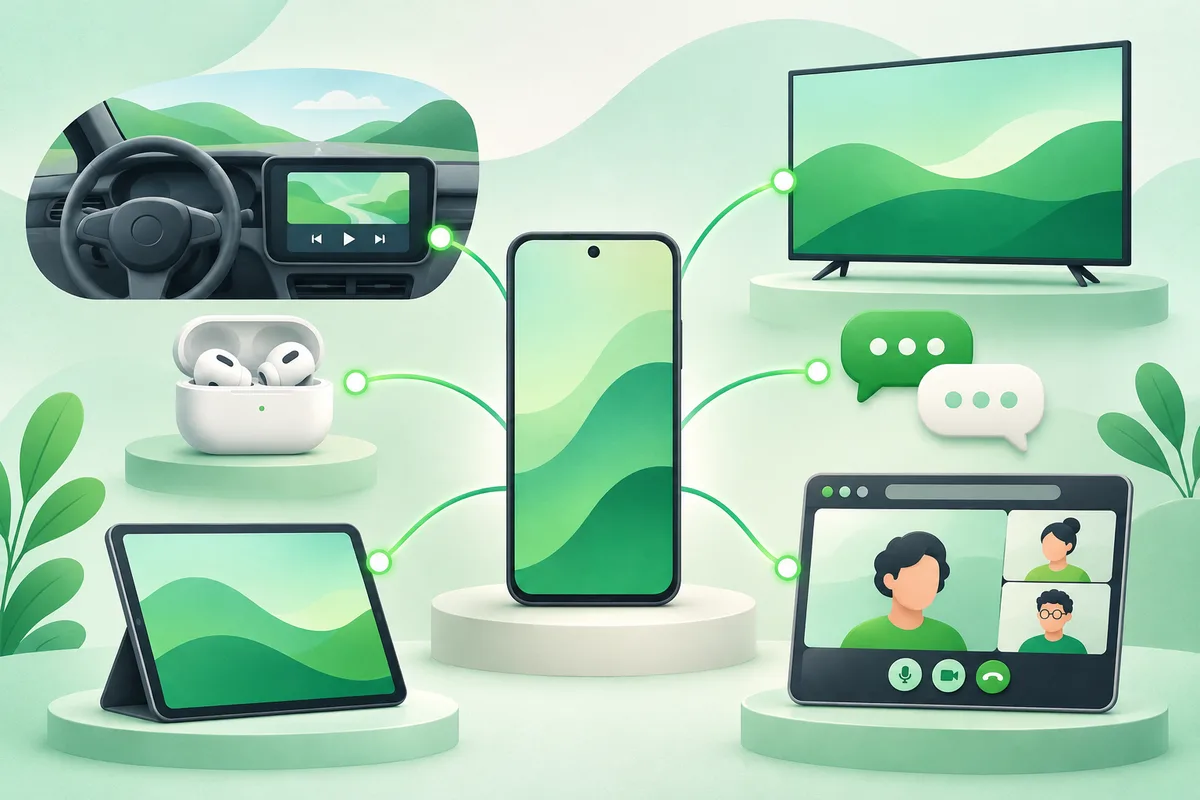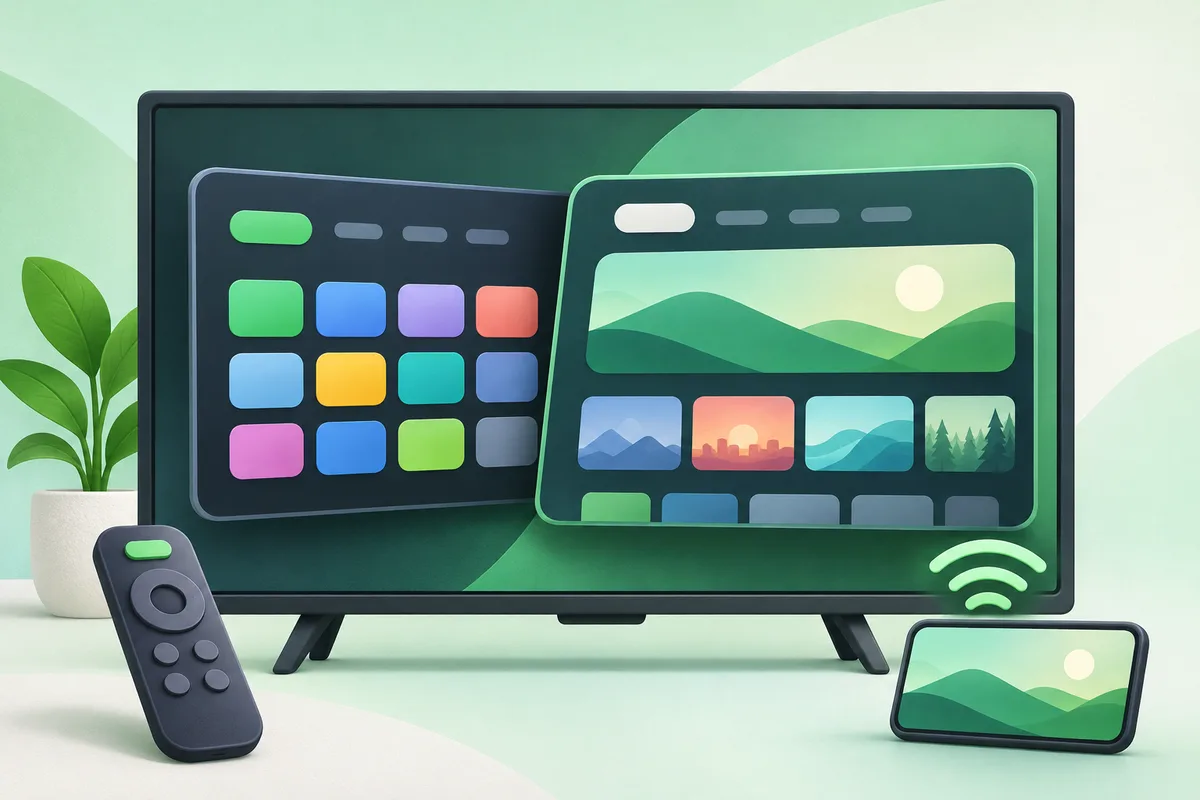
Google TV is a content-focused interface built on Android TV OS; Android TV is the underlying television platform and also the name used by older interfaces. App compatibility overlaps, but menus and recommendations differ.
Quick answer: Check the device's exact OS and update status in Settings.
Android TV vs Google TV: What Is the Difference?
- Check the device's exact OS and update status in Settings.
- Confirm the streaming apps and video standards you need are certified.
- Review storage because inexpensive devices can fill quickly.
- Use app-only mode or recommendation controls if the home screen feels crowded.
- Install updates before troubleshooting playback or remote issues.
Before you finish
- A television's picture quality depends on its panel and processing, not the home-screen brand.
- Uncertified boxes may lack high-resolution playback in major services.
- Chromecast built-in may now be labeled Google Cast.
If the menu is different
Use the search box at the top of Settings and search for the key control in
this guide. Pixel uses Google's labels; Samsung, Motorola, OnePlus and other
manufacturers may move the same control or rename one level of the menu. Check
the support page for your exact model before using a reset or erase command.
Keep going in this Android hub
See the complete guide for this topic,
or continue with one of these closely related Android walkthroughs: