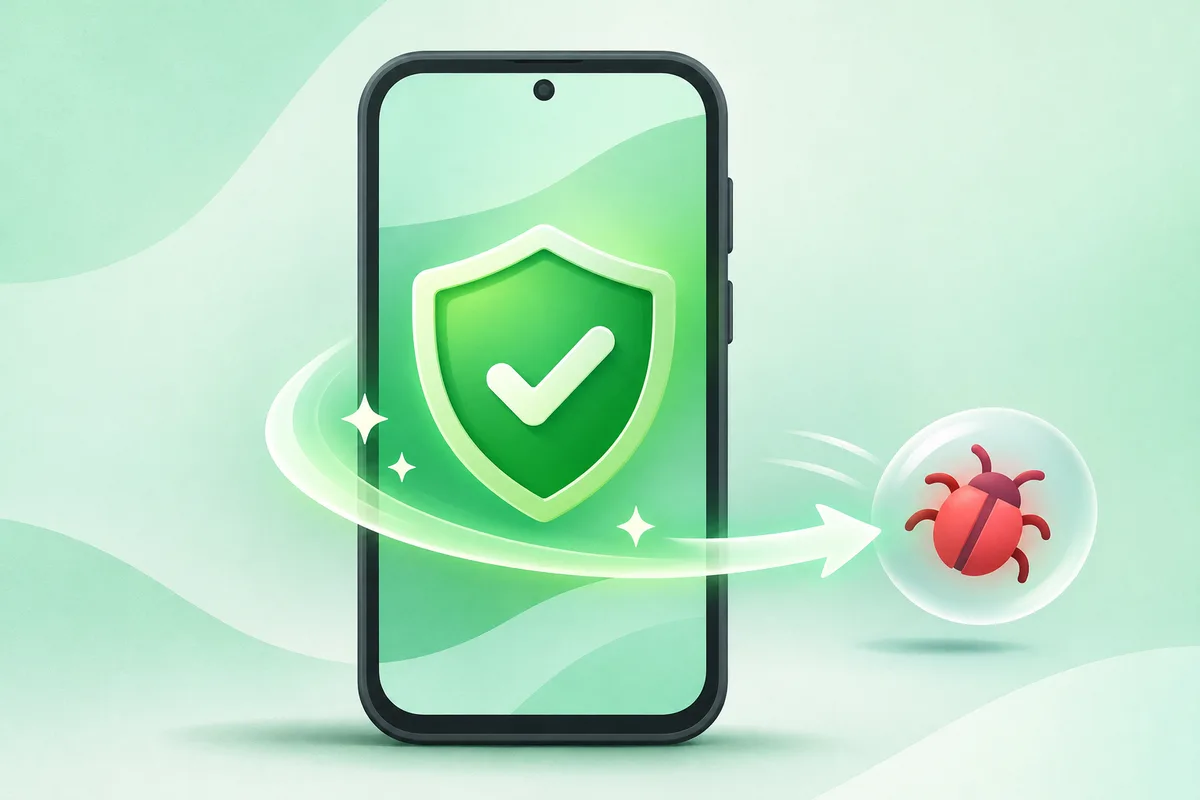
Start by uninstalling unfamiliar apps, running Google Play Protect, reviewing powerful permissions and installing system updates. Avoid cleaner apps that make alarming claims without identifying a specific problem.
Quick answer: Put the phone in airplane mode if an app is actively opening pages or sending messages.
Steps: Remove Malware From Android
- Put the phone in airplane mode if an app is actively opening pages or sending messages.
- Open Play Store, tap your profile, choose Play Protect and run a scan.
- Review recently installed apps and uninstall anything unrecognized.
- Check Accessibility, Device admin, VPN and notification access for unexpected apps.
- Update Android and apps, then change important passwords from a trusted device.
Before you finish
- Persistent browser pop-ups can come from website notifications rather than an installed virus.
- A factory reset is the last step, not the first.
- If financial accounts were exposed, contact the bank or provider promptly.
If the menu is different
Use the search box at the top of Settings and search for the key control in
this guide. Pixel uses Google's labels; Samsung, Motorola, OnePlus and other
manufacturers may move the same control or rename one level of the menu. Check
the support page for your exact model before using a reset or erase command.
Keep going in this Android hub
See the complete guide for this topic,
or continue with one of these closely related Android walkthroughs: