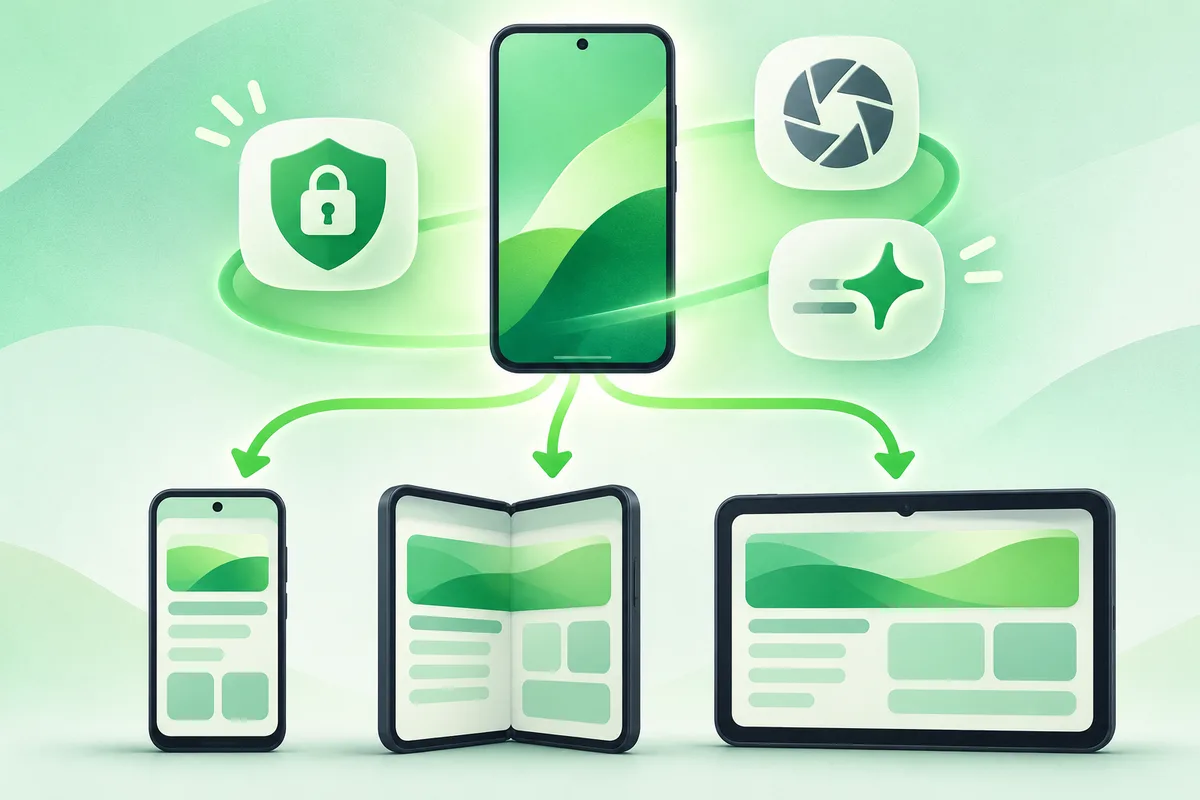
Android 16 was released in 2025 and remains widely relevant on supported phones. It introduced platform work around progress-focused notifications, adaptive layouts, privacy, media and accessibility, while manufacturers added their own interface changes.
Quick answer: Check About phone to confirm whether Android 16 is installed.
Android 16: Features, Support and Updates
- Check About phone to confirm whether Android 16 is installed.
- Install the latest security patch even if you are not moving to Android 17 yet.
- Review notification and privacy settings after a major update.
- Test banking, accessibility and work apps before relying on them during travel.
- Use the phone maker's release notes for features specific to its interface.
Before you finish
- Not every Android 16 API becomes a visible user feature.
- Phone makers may omit, rename or redesign platform controls.
- Android 16 is a real release; Android 18 and 21 are not current releases as of this update.
If the menu is different
Use the search box at the top of Settings and search for the key control in
this guide. Pixel uses Google's labels; Samsung, Motorola, OnePlus and other
manufacturers may move the same control or rename one level of the menu. Check
the support page for your exact model before using a reset or erase command.
Official reference
Android Developers: Android 16. Menu names can differ by phone maker.
Keep going in this Android hub
See the complete guide for this topic,
or continue with one of these closely related Android walkthroughs: