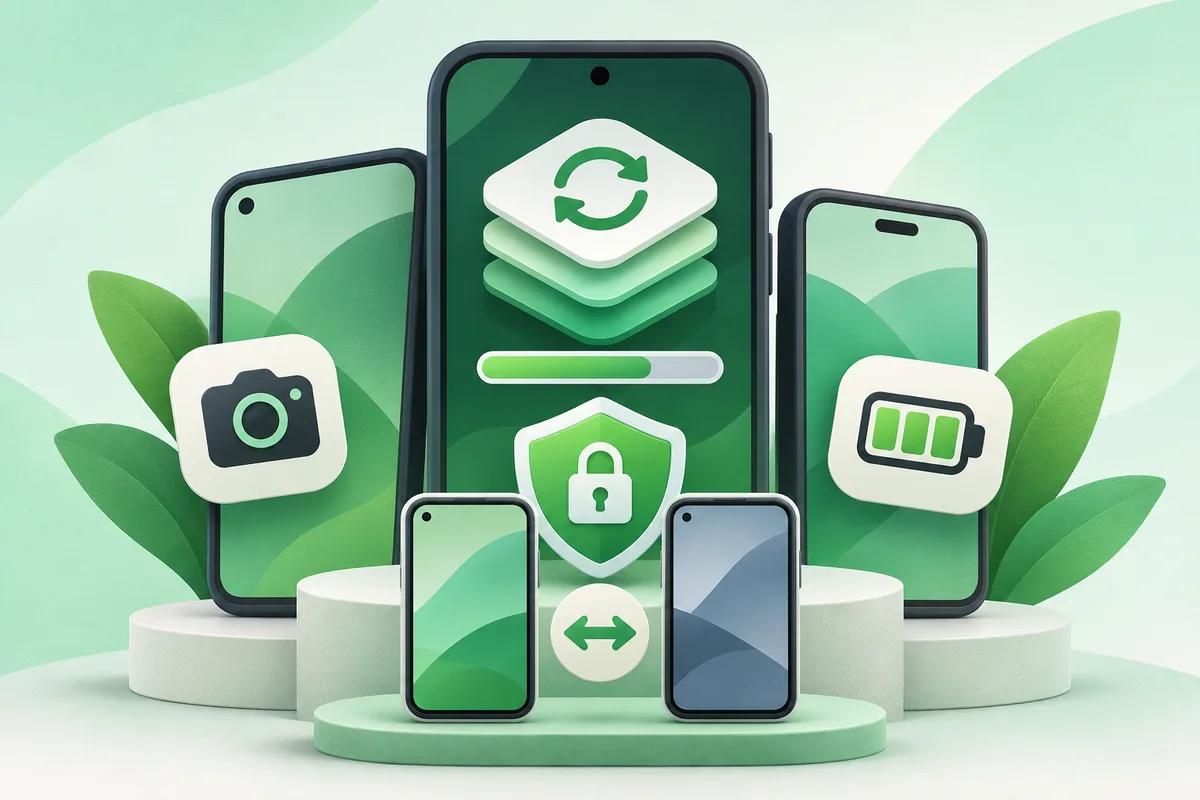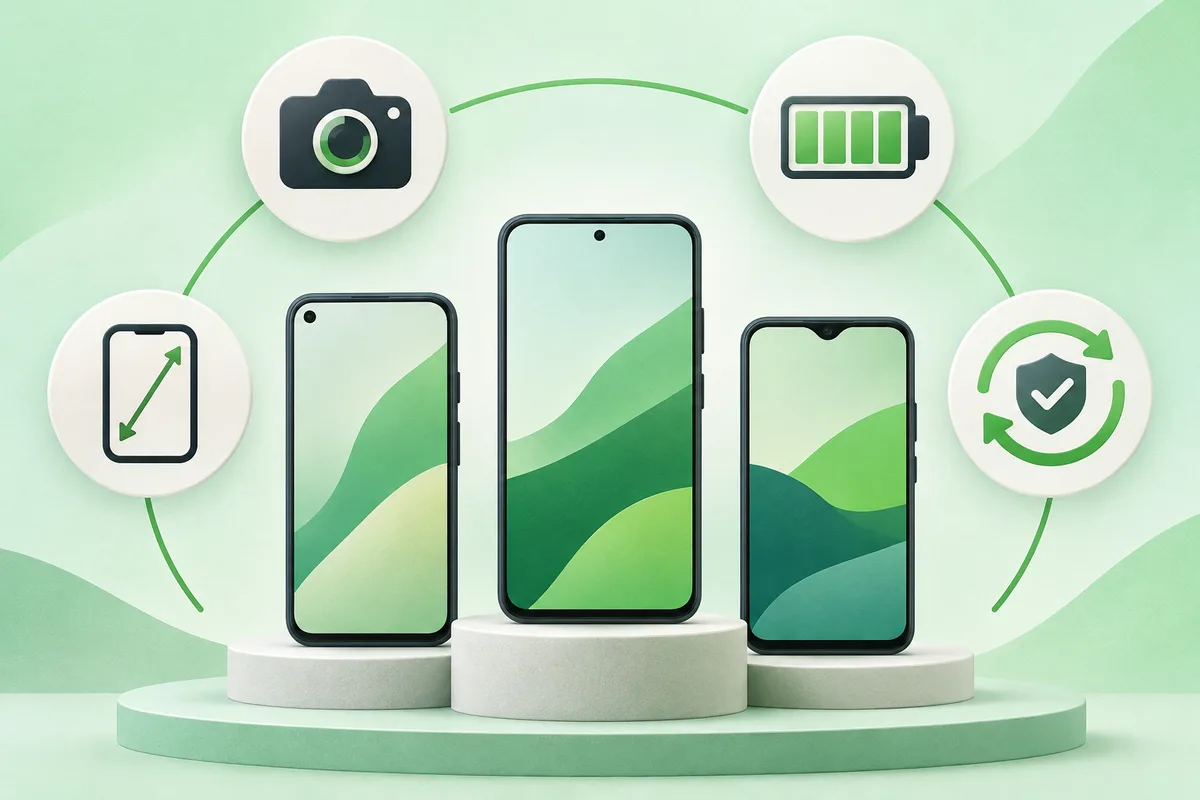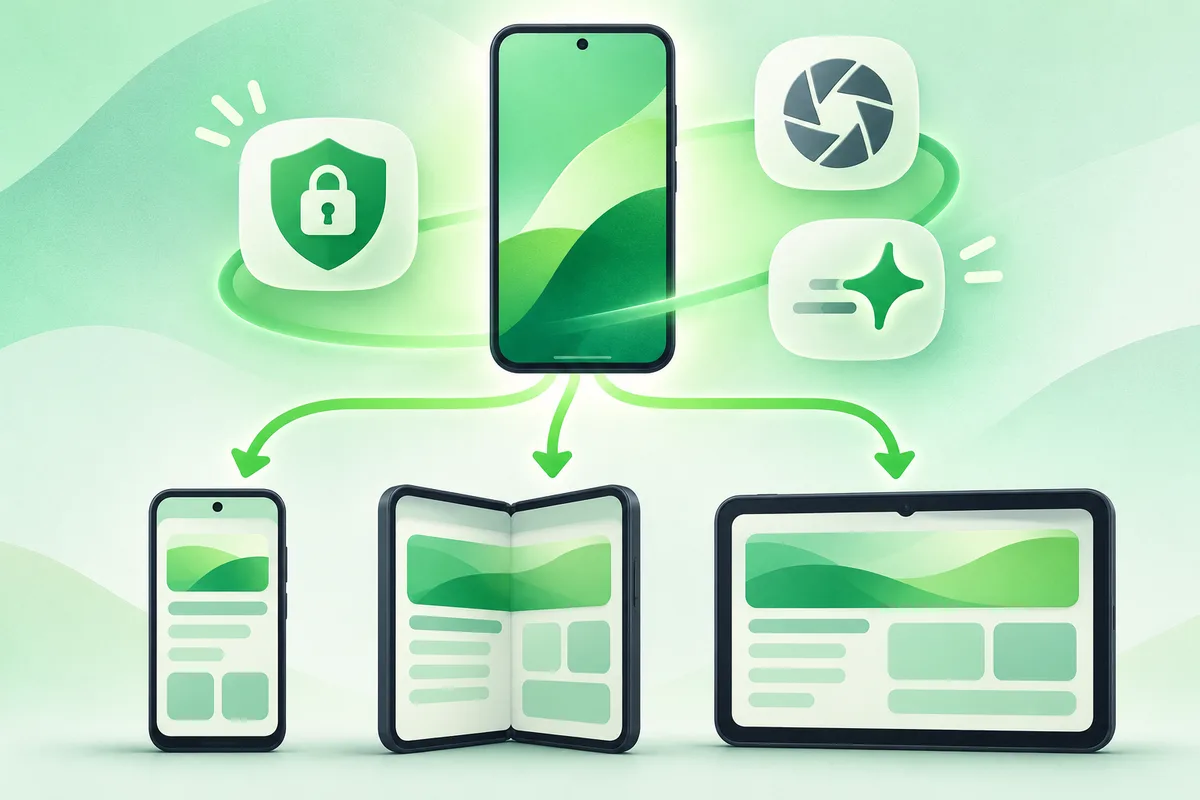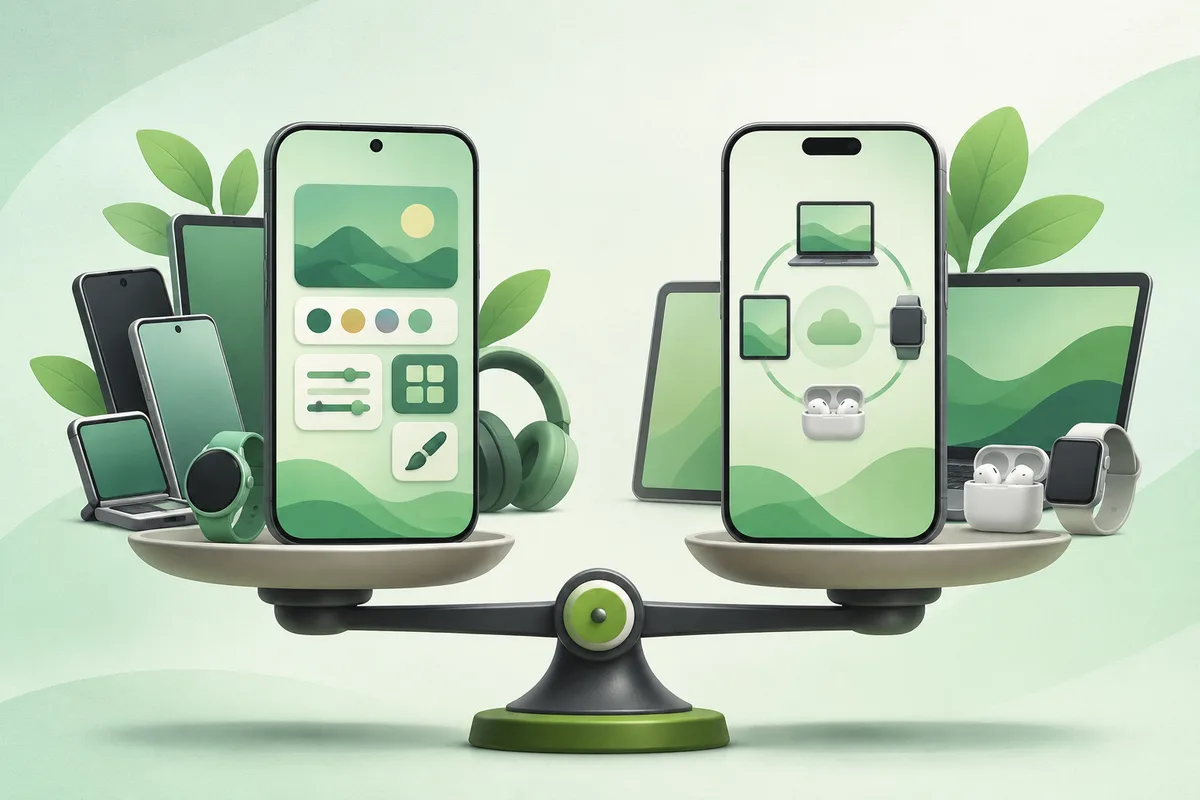
Choose between iPhone and Android by the services, people and devices you already rely on. Android offers broader hardware choice and customization; iPhone offers a tightly controlled hardware-software lineup. Neither is universally better.
Quick answer: List the apps and accessories you cannot replace.
iPhone vs Android: Which Fits You Better?
- List the apps and accessories you cannot replace.
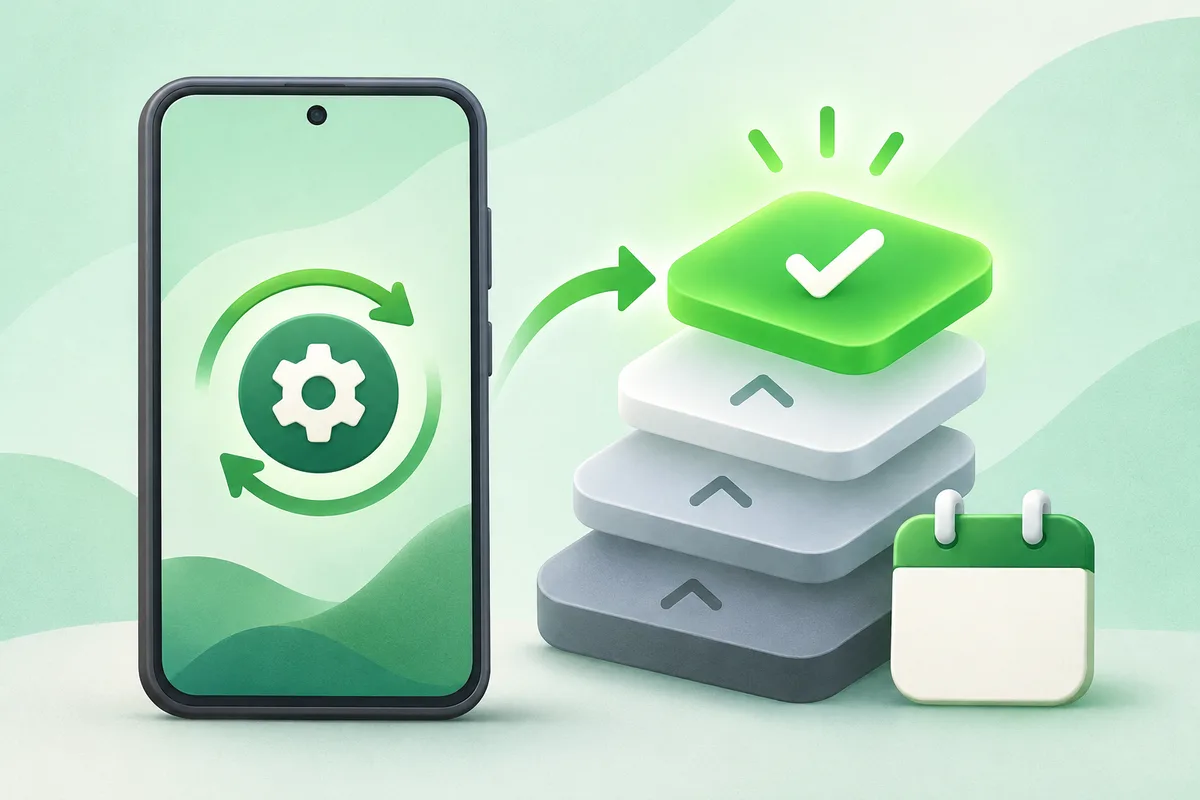
- Compare update support for the exact phones, not the platforms in the abstract.
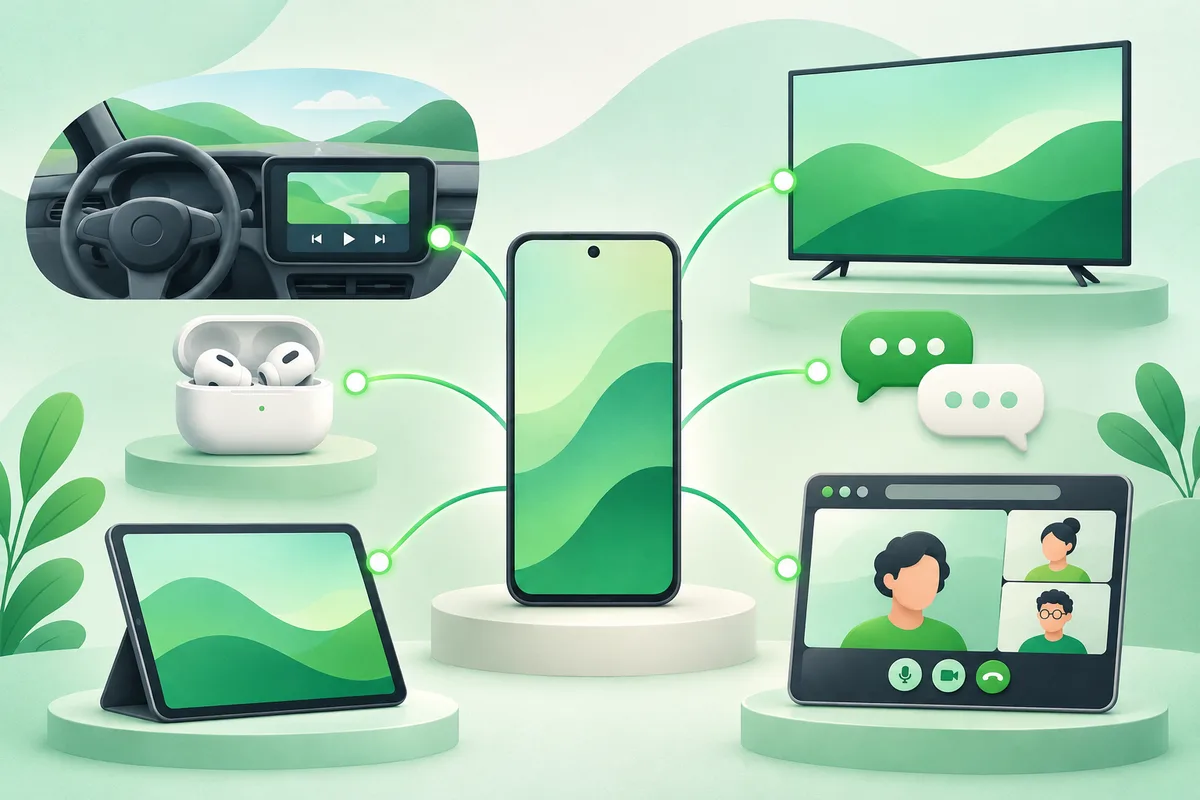
- Check messaging, photo sharing and video-call habits in your household.
- Price storage, repair, cloud service and accessories over several years.
- Try the keyboard, notifications, camera and accessibility controls in person.
Before you finish
- AirPods work with Android but lose some Apple-only conveniences.
- Moving purchased apps and some message history can be difficult.
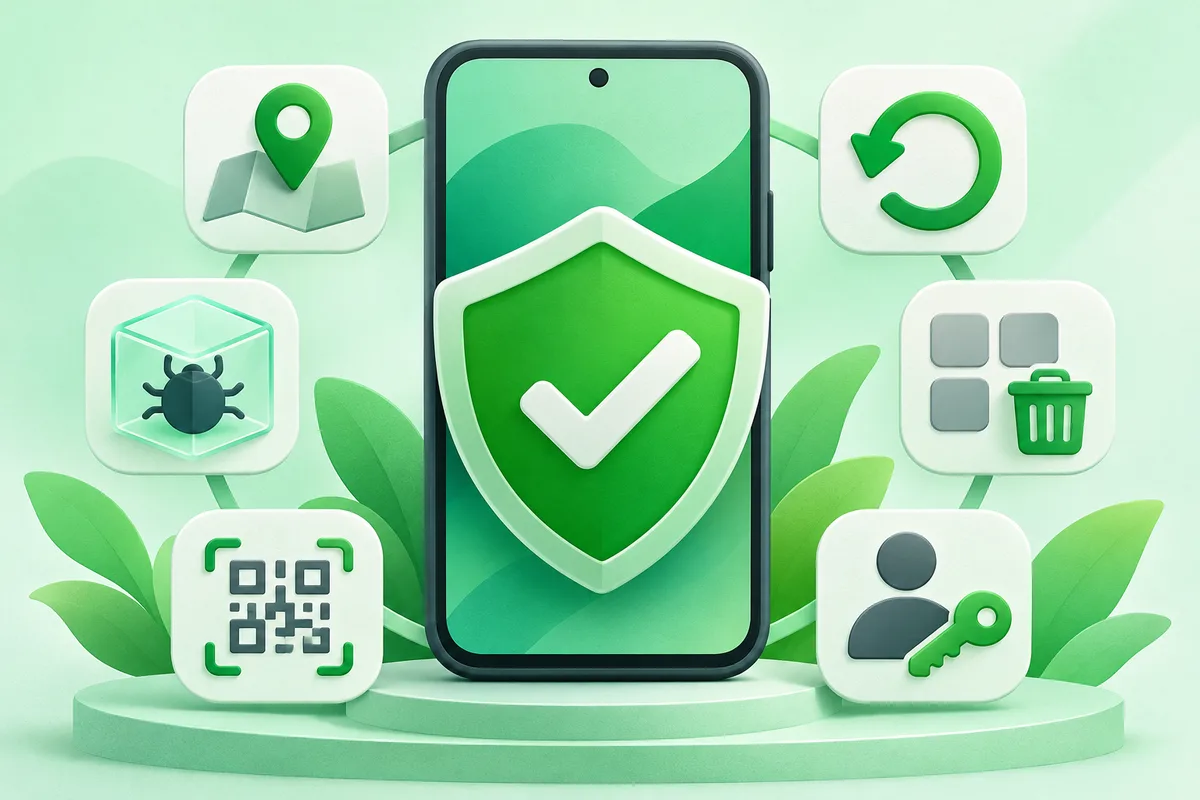
- Security depends on update support and user habits, not only the logo.
If the menu is different
Use the search box at the top of Settings and search for the key control in
this guide. Pixel uses Google's labels; Samsung, Motorola, OnePlus and other
manufacturers may move the same control or rename one level of the menu. Check
the support page for your exact model before using a reset or erase command.
Keep going in this Android hub
See the complete guide for this topic,
or continue with one of these closely related Android walkthroughs: