Android 17 is the current stable major release. The useful question is not only whether it exists, but whether your exact model supports it and whether your essential apps are ready.
Quick answer: Check the manufacturer update page for your exact model number and region.
Android 17: What Phone Owners Need to Know
- Check the manufacturer update page for your exact model number and region.
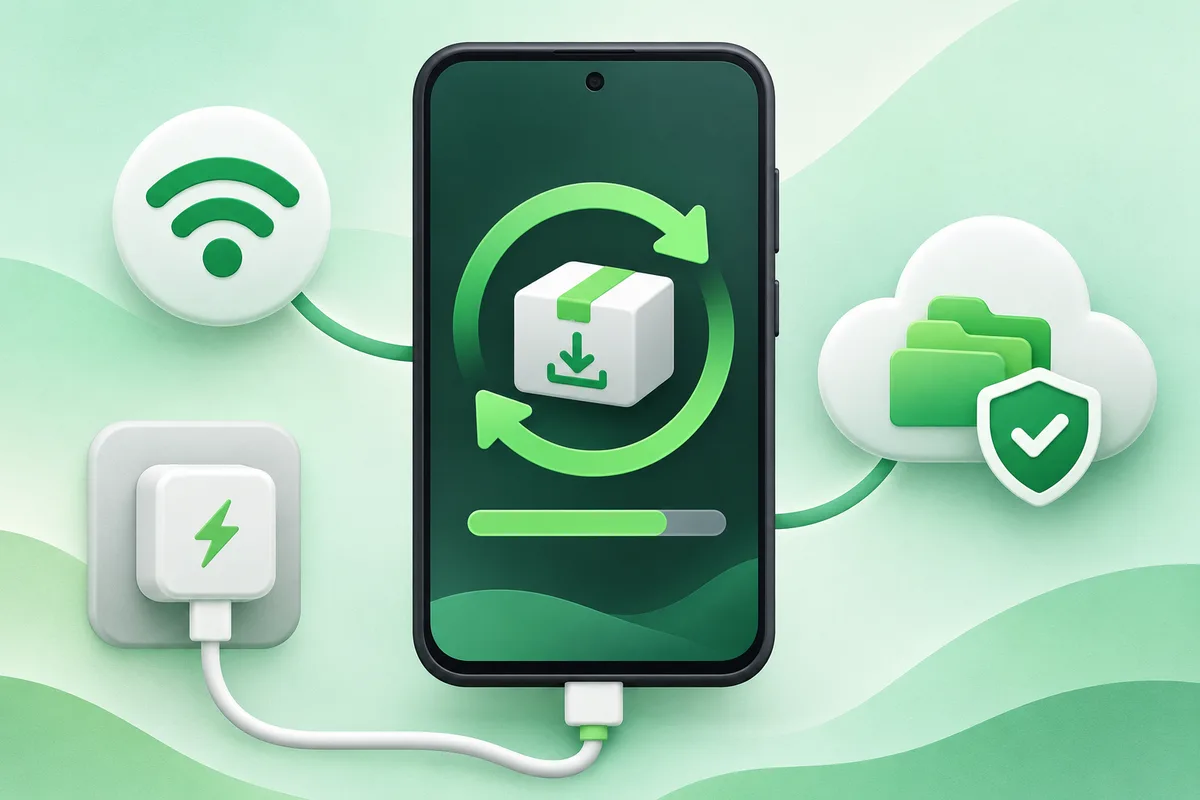
- Back up the phone and free several gigabytes of storage.
- Update critical apps before installing the system release.
- Install while charged and on a reliable Wi-Fi connection.
- Afterward, review permissions, battery use and any manufacturer-specific release notes.
Before you finish
- Android platform features can look different under Samsung One UI and other interfaces.
- A monthly security patch can matter more than a cosmetic version upgrade.
- Developers should use the official Android 17 behavior-change documentation.
If the menu is different
Use the search box at the top of Settings and search for the key control in
this guide. Pixel uses Google's labels; Samsung, Motorola, OnePlus and other
manufacturers may move the same control or rename one level of the menu. Check
the support page for your exact model before using a reset or erase command.
Official reference
Android Developers: Android 17. Menu names can differ by phone maker.
Keep going in this Android hub
See the complete guide for this topic,
or continue with one of these closely related Android walkthroughs: