Install the watch maker's official companion app, reset any old pairing and keep both devices close and charged during setup.
Steps
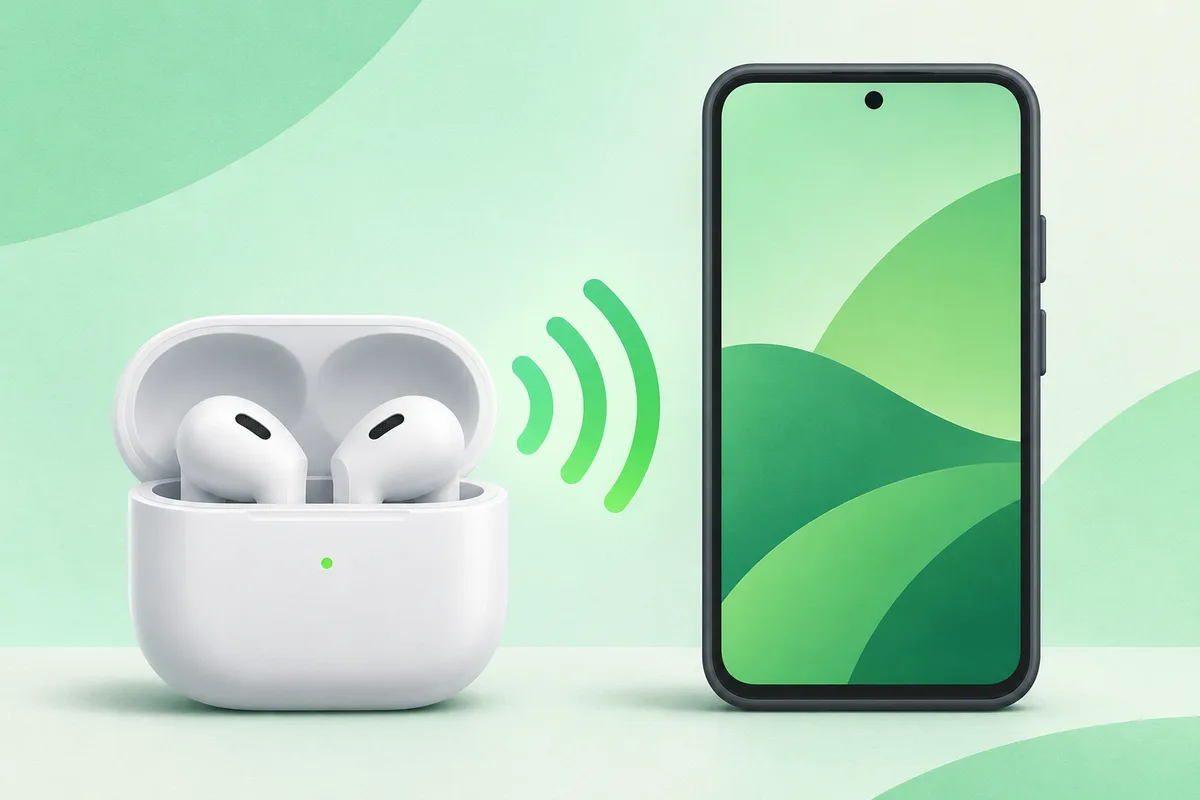
- Charge the watch and turn on phone Bluetooth
- Install the official companion app
- Start pairing in the app and match the displayed code
- Complete account, update and notification choices
Check the result
Test the change before moving on. Android menu names vary across Google
Pixel, Samsung Galaxy, Motorola, OnePlus and other phones, and a carrier or
work profile can also restrict a setting. Use Settings search when a label is
different and check the support page for the exact model before erasing data,
resetting connections or changing an account.
Privacy and safety
Read every confirmation screen, keep a current backup and grant only the
permissions the task requires. Stop if the phone becomes unusually hot, shows
physical battery damage or asks for a password or payment on an unexpected
site.
Official reference
Google Android Help is the
baseline reference; the phone maker and carrier may document additional steps.
More from Apps & Connected Devices
Open the complete Apps & Connected Devices hub,
or continue with a related walkthrough: